 Vezik
AI Photo Editor
Free online AI photo editor — remove backgrounds, retouch portraits, and generate images from a text prompt.
No download · No sign-up for your first edit · JPG, PNG, WEBP
Quick edits
Size
Sign up free to get 5 credits
What the AI photo editor does to a photo
Drag the slider on each pair. Every result came from one upload and one sentence in Vezik, with no masks or layers. Press Try this to run the same edit yourself. Original photos from Unsplash.
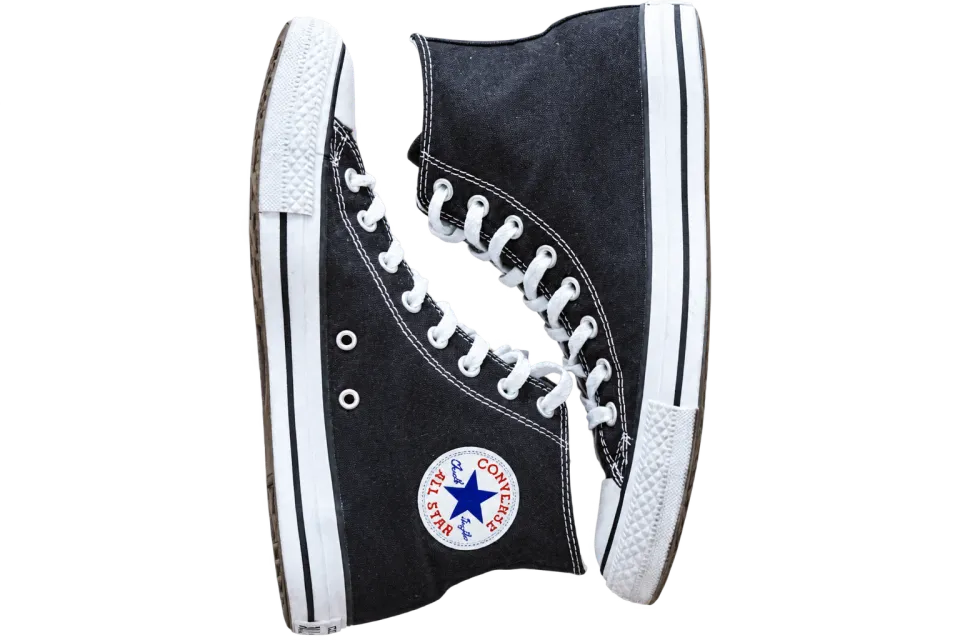
 BEFOREAFTER
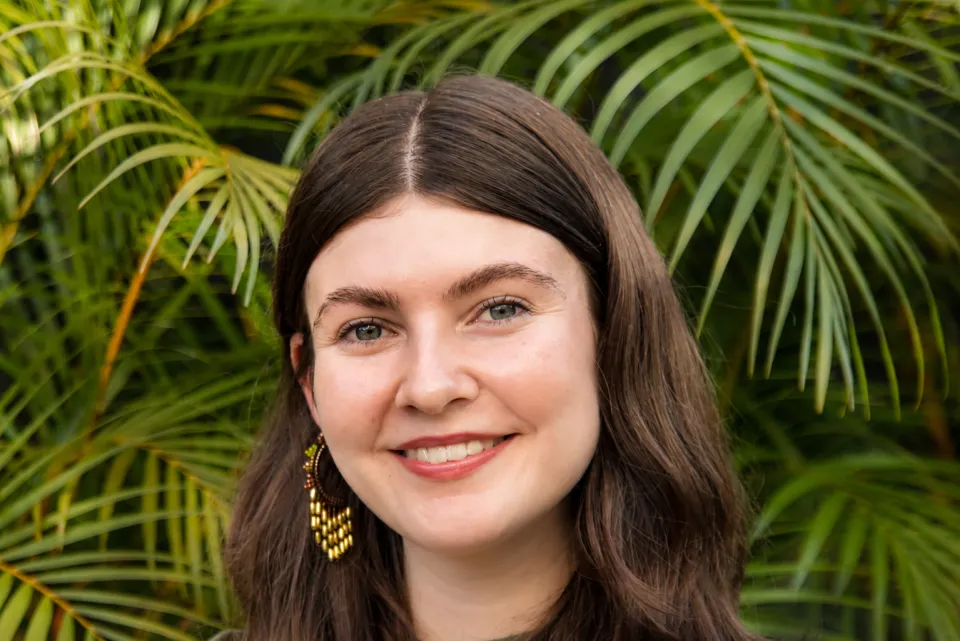
 BEFOREAFTER
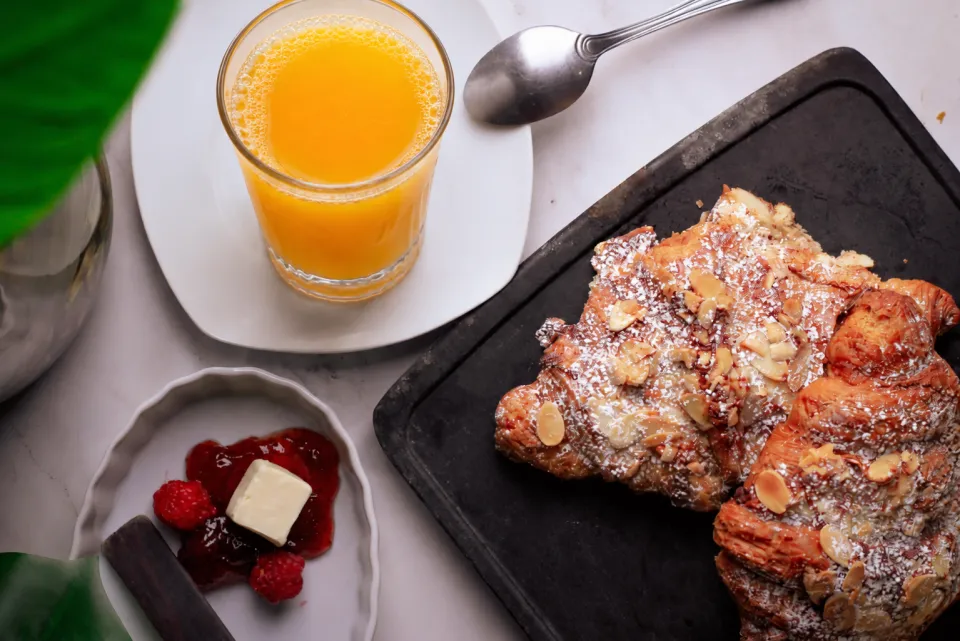
 BEFOREAFTER
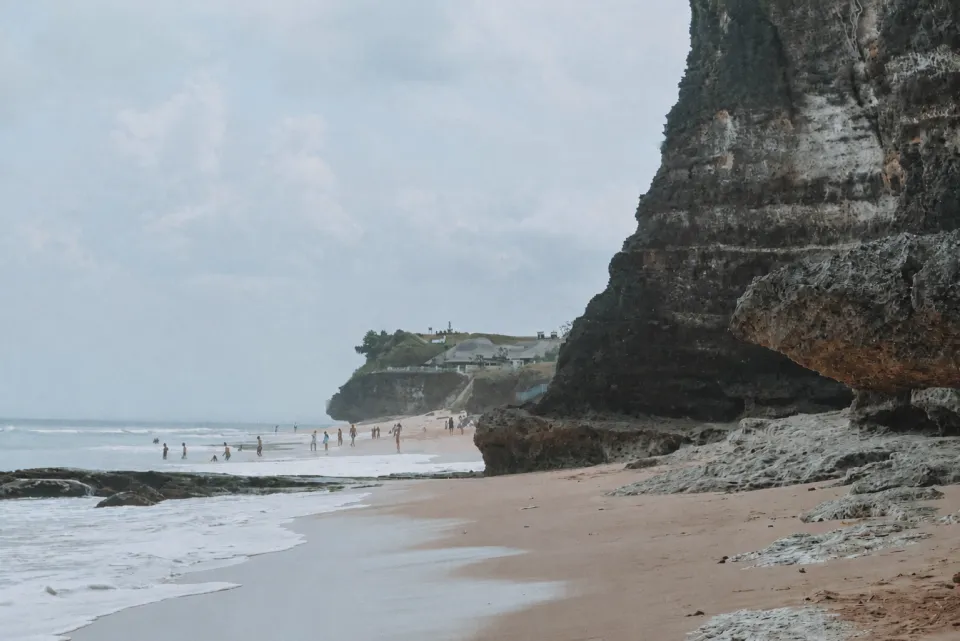
 BEFOREAFTER
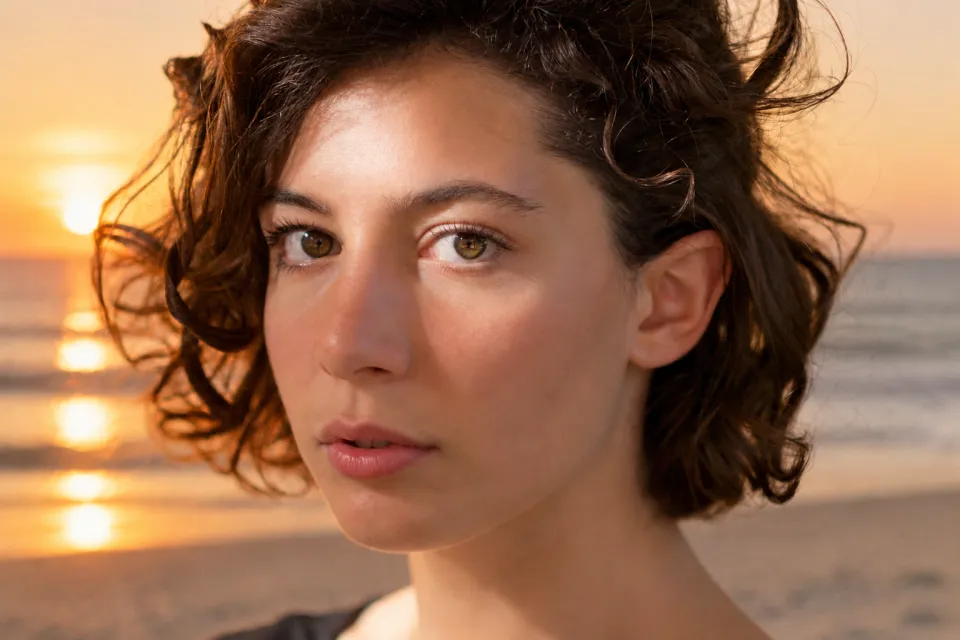
 BEFOREAFTER
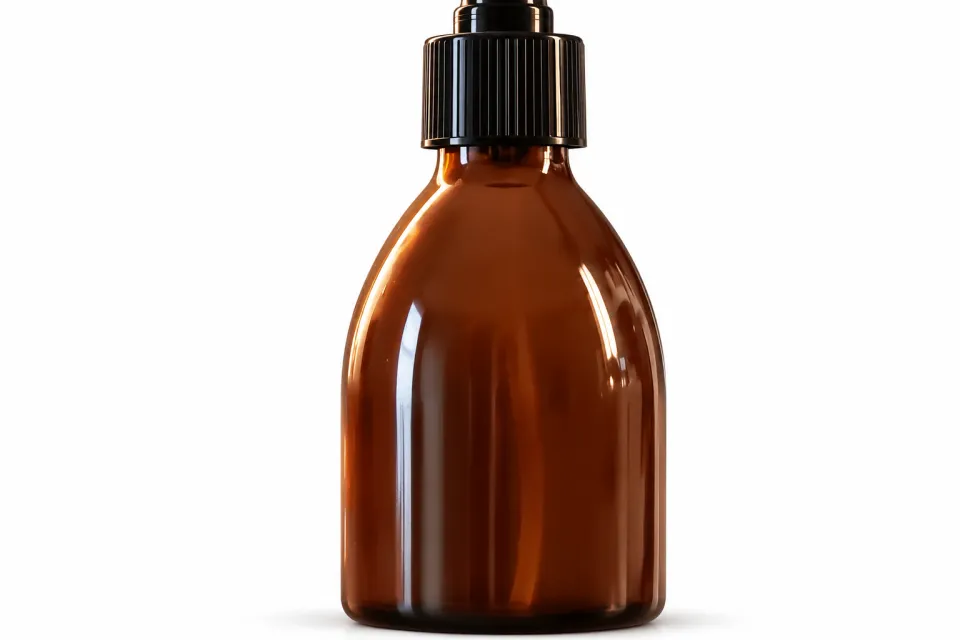
 BEFOREAFTER
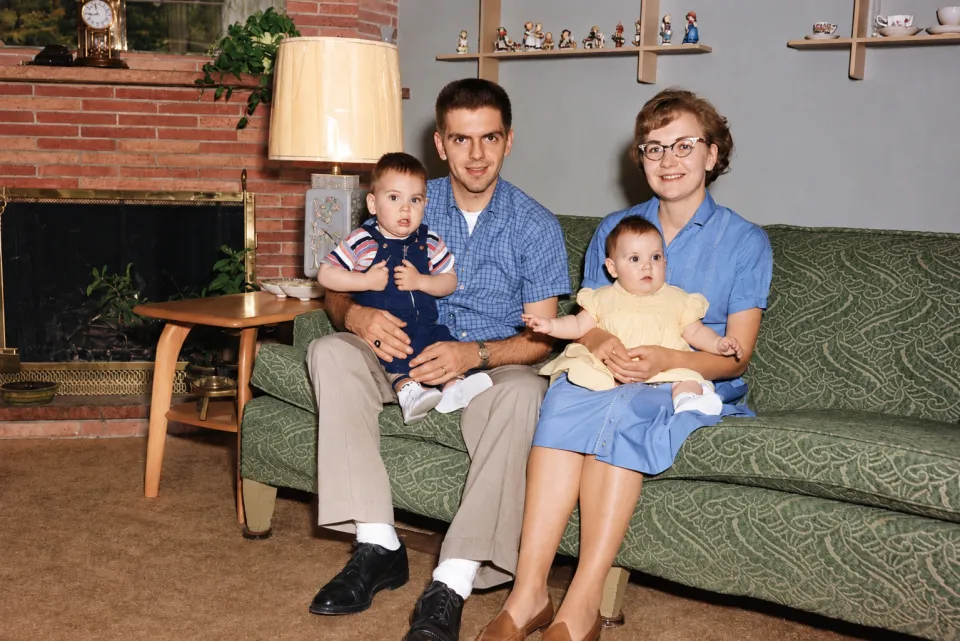
 BEFOREAFTER
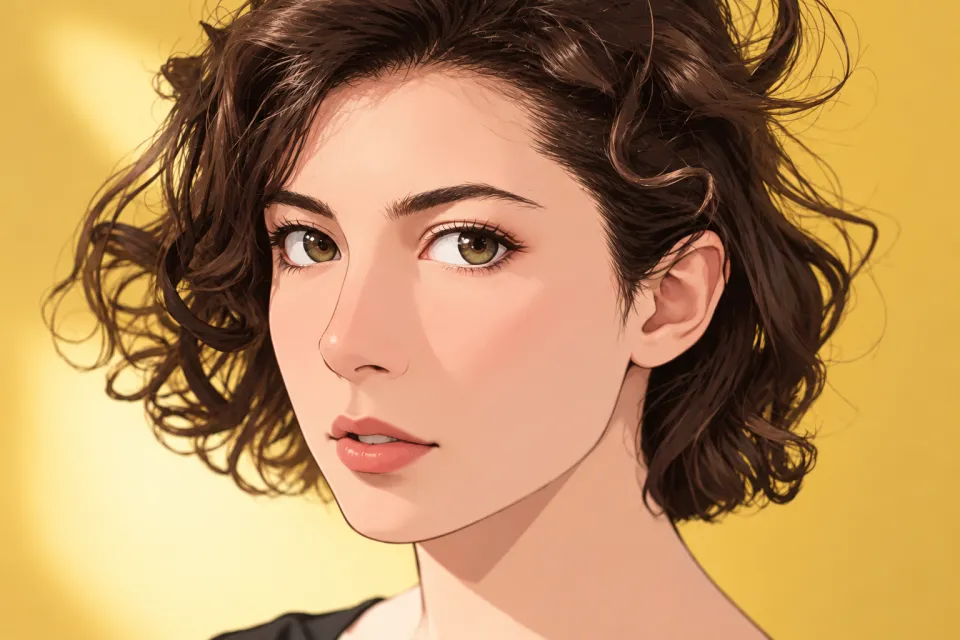
 BEFOREAFTER
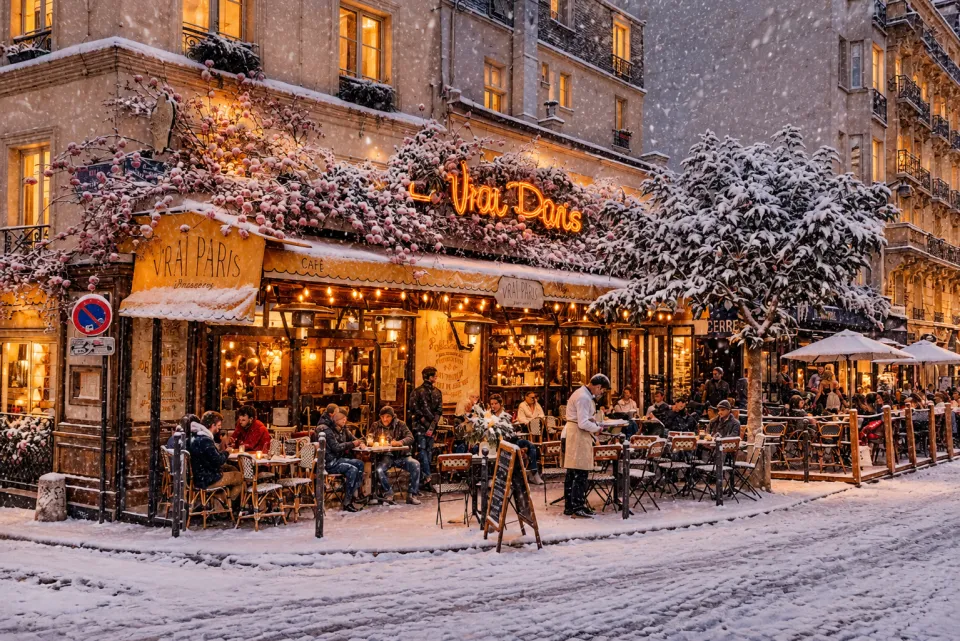
 BEFOREAFTER
What is an AI photo editor?
An AI photo editor changes a photo from a plain-language instruction instead of brushes, masks and layers. You upload a picture, write what should change, for example "remove the background" or "make the light warmer", and the AI returns the edited image.
Vezik is a free AI photo editor that runs in your browser on phone or desktop. It cuts out backgrounds as transparent PNGs, retouches portraits, removes or swaps objects, sharpens old photos, turns product shots into store-ready images, and creates new images from a text prompt.
AI photo editing tools in one place
Each tool opens the same Vezik editor with the right edit already picked.
01 / remove-background /
Remove Background
Transparent PNG cut-outs of people, products and pets in one click.
Open tool →
02 / ai-photo-enhancer /
AI Photo Enhancer
Sharpen blurry, noisy or faded photos and bring back detail.
Open tool →
03 / image-to-image /
Image to Image
Restyle a photo or combine up to 4 images with a prompt.
Open tool →
04 / product-photo-editor /
Product Photo Editor
White-background and lifestyle shots for Amazon, Shopify and Etsy.
Open tool →
How to edit a photo with AI
1
Upload your photo
Drop a JPG, PNG or WEBP, or paste a screenshot with Ctrl+V. Add up to 3 more photos as references.
2
Pick a quick edit or write a prompt
Say what to change in plain words: "make the sky blue", "remove the person on the left".
3
Download the result
Compare before and after, then save a PNG, transparent when you removed the background.
Edits you can make with one sentence
Write the change the way you would explain it to a retoucher. These are the requests people use most.
Remove or change the background
Cut the subject out to a transparent PNG, or place it in a new scene with matching light and shadows.
Retouch portraits
Even out skin, soften harsh shadows and fix lighting while the face stays the same person.
Remove objects and people
Take out photobombers, cables, signs or clutter, and the AI fills the space naturally.
Swap or add things
Replace a cup with a glass, change the color of a jacket, add snow or a sunset sky.
Fix blurry and old photos
Sharpen detail, remove noise and scratches and restore faded colors on scanned prints.
Generate images from text
No photo at all? Switch to Text to image and describe the picture you want.
Who uses an online AI photo editor
- Online sellers
- Clean white backgrounds and lifestyle scenes for listings, without booking a studio.
- Creators and social media
- Thumbnails, profile pictures and posts in square, portrait or landscape format from one photo.
- Portraits and headshots
- Better light and a tidy backdrop for LinkedIn, CVs and dating profiles.
- Family photos
- Restore scanned prints and remove strangers from holiday shots.
Why edit photos with Vezik
- Edits by prompt, not layers. No selection tools to learn: describe the change and get the image back, usually in under a minute.
- Keeps what you did not ask to change. Faces, products and logos stay as they are; quick edits tell the AI exactly what to leave alone.
- Failed edit, credit back. If an edit fails, the credit returns to your balance automatically.
- No watermark, no app. Downloads are clean PNG files, and everything runs in the browser on phone, tablet or desktop.
How to choose an AI photo editor
These are the points worth checking before you upload a photo anywhere. Here is where Vezik stands on each.
| What to check | Vezik |
|---|---|
| Free to try | Yes: 1 edit without an account, 5 free credits when you sign up |
| Price per edit | 1 credit per edit: from $0.50 with a $9.99 pack down to $0.12 on the Studio yearly plan |
| Subscription required | No. Credit packs never expire; monthly and yearly plans are optional |
| Watermark | None on downloads |
| Failed edits | The credit is returned automatically |
| Install | None: works in the browser |
| Edit by text | Yes, plus one-click quick edits |
Prices from the Vezik pricing page. Check other editors’ current terms on their own sites.
Free to start, credits when you need more
Your first Vezik edit is free without an account and sign-up adds 5 free credits. After that, one edit costs 1 credit: a $9.99 pack gives 20 edits that never expire, plans start at 50 edits a month, and yearly plans cost the same as 4 months.
AI photo editor FAQ
What is Vezik?
Vezik is a free online AI photo editor at aiphotoeditor.im. Upload a photo, describe the change in plain words, and Vezik removes the background, retouches portraits, swaps objects, enhances old photos or creates a new image from text.
Is this AI photo editor free?
Yes, to start. You get 1 free edit without an account and 5 free credits when you sign up, one credit per edit. More edits come from credit packs (20 edits for $9.99) or a monthly or yearly plan.
Do I need to sign up or download an app?
No app: Vezik runs in the browser. Your first edit works without an account; signing up with Google or email gives you 5 more free credits and keeps your edits under My edits.
Can the AI photo editor remove a background and give me a transparent PNG?
Yes. Pick Remove background (or tick Transparent PNG) and the download keeps a transparent background, ready for product listings, stickers or design tools.
Will it change my face?
It should not. The retouch and background edits tell the AI to keep the same person, features and expression. If a result drifts, run it again or make the prompt more specific, for example "keep the face exactly the same".
How do I write a good prompt for photo editing?
Name the change and what to keep: "replace the sky with a sunset, keep the people unchanged". One or two changes per edit work better than a long list; edit the result again for the next change.
What file formats and sizes are supported?
Upload JPG, PNG or WEBP. Large photos are scaled to 2048 px on the long side before editing. Results download as HD PNG files.
How long does an edit take?
Usually under a minute. You can keep the tab open and watch the progress bar; signed-in users also find finished edits under My edits.
Can I use the edited photos commercially?
Yes. The images you create are yours to use, including for product listings, ads and social media. Only upload photos you have the right to use.
Are my photos private?
Vezik uses your photos only to make your edit. They are never shown publicly: uploaded photos are deleted automatically after 2 days and finished edits after 7 days.
What is the best free AI photo editor?
Look at what you can do before paying, whether there is a watermark, whether you need an app, and what happens when an edit fails. On Vezik you get a free edit without an account, clean downloads, nothing to install and credits back on failed edits.
Edit your first photo with Vezik
Upload a photo, describe the change, download the result. Your first edit is free.
Edit a photo with AI →